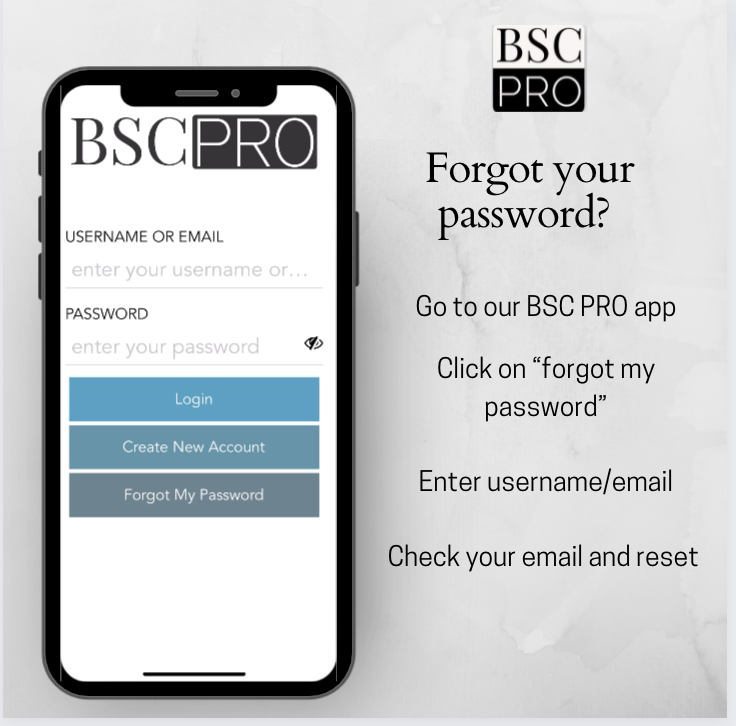
If you have forgotten your password, you can request a new one by going to the login page by clicking "Login" in the top right corner of the page. Or, you can go directly to the password reset page here.
Then just enter your username or email address and BSCpro will send you a reset email. Just follow the instructions in the email to reset your password. If you do not receive the email within 10-15 minutes, be sure to first check your spam messages. If it is not there, please contact us. Some mail carriers will on occasion block email by mistake.
Using the mobile app
In the BSCpro mobile app, tap Forgot My Password on the login screen, enter your username or email, and then check your email for the reset link.